Searching for photo restoration near me usually means you have a real photograph in hand and want to know where it can be repaired safely. The best answer is not always the closest shop. For light fading, small scratches, and quick digital sharing, an online AI restoration workflow can be faster and cheaper. For fragile originals, print orders, severe tears, or high-value family archives, a local photo lab or specialist may be worth the visit.
Use a local shop when the physical print is fragile or you need scanning and print advice. Use online AI first when you already have a clean scan and want a fast restoration preview.
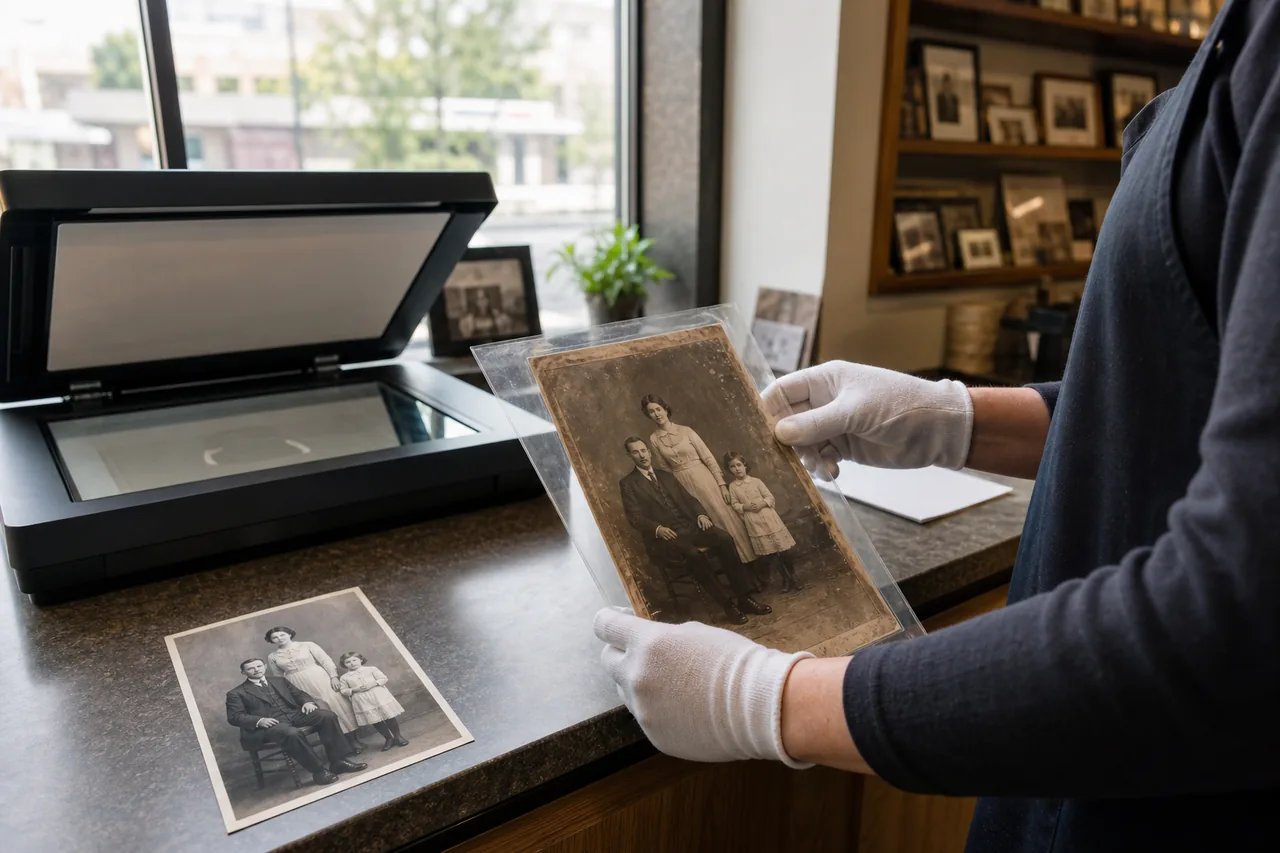
Table of Contents
- Quick answer: when to choose local vs online restoration
- How to evaluate a local photo restoration shop
- When online AI restoration is the better first step
- Cost, turnaround, privacy, and quality tradeoffs
- A safe decision workflow for old family photos
- Search tips for finding a reliable provider near you
- FAQ
- Final recommendation
Quick answer: when to choose local vs online restoration
Choose a local photo restoration service when the physical print needs careful handling, the shop will scan it for you, or you want a restored print made from the same provider. Choose online AI restoration when you already have a scan or phone capture and want to see whether the damage can be fixed before paying for a custom quote.
| Situation | Best first choice | Why it fits |
|---|---|---|
| Fragile original, curled paper, loose emulsion, or mold | Local specialist | The safest step is physical inspection, not repeated home scanning. |
| Light fading, small scratches, dust, or blur | Online AI preview | You can test restoration quality quickly without transporting the print. |
| Need a framed print, album copy, or exact paper size | Local photo lab | Scanning, color checks, and printing can be handled in one workflow. |
| Need a digital file for family sharing today | Online AI restoration | The turnaround is usually faster and the original can stay at home. |
| Severe tears across faces or missing areas | Hybrid: AI preview, then manual/local quote | The preview shows what is possible, but identity-sensitive work may need human judgement. |
The right choice depends on the condition of the physical print and the final use, not only on distance.
How to evaluate a local photo restoration shop
A good local provider should explain how they will scan the original, whether the restoration is manual or AI-assisted, what file size you receive, and how revisions work. If the shop only talks about printing but not about the digital repair process, ask more questions before leaving a valuable original.
Ask these questions before handing over the photo:
- Will you scan the original in front of me or send it off-site?
- What resolution and file format will the master scan use?
- Will the restored face be reviewed against the original before printing?
- How many revision rounds are included?
- Can I receive both the untouched scan and the restored file?
- How are fragile or mold-damaged prints handled?
If a print is flaking, sticky, damp, or moldy, avoid home cleaning. Photograph it gently for reference and ask a preservation-minded specialist first.
When online AI restoration is the better first step
Online AI works best as a low-friction test. It can reduce fading, sharpen mild blur, clean dust, and repair small scratches in seconds. For many family photos, that is enough for sharing, genealogy notes, or a small print.
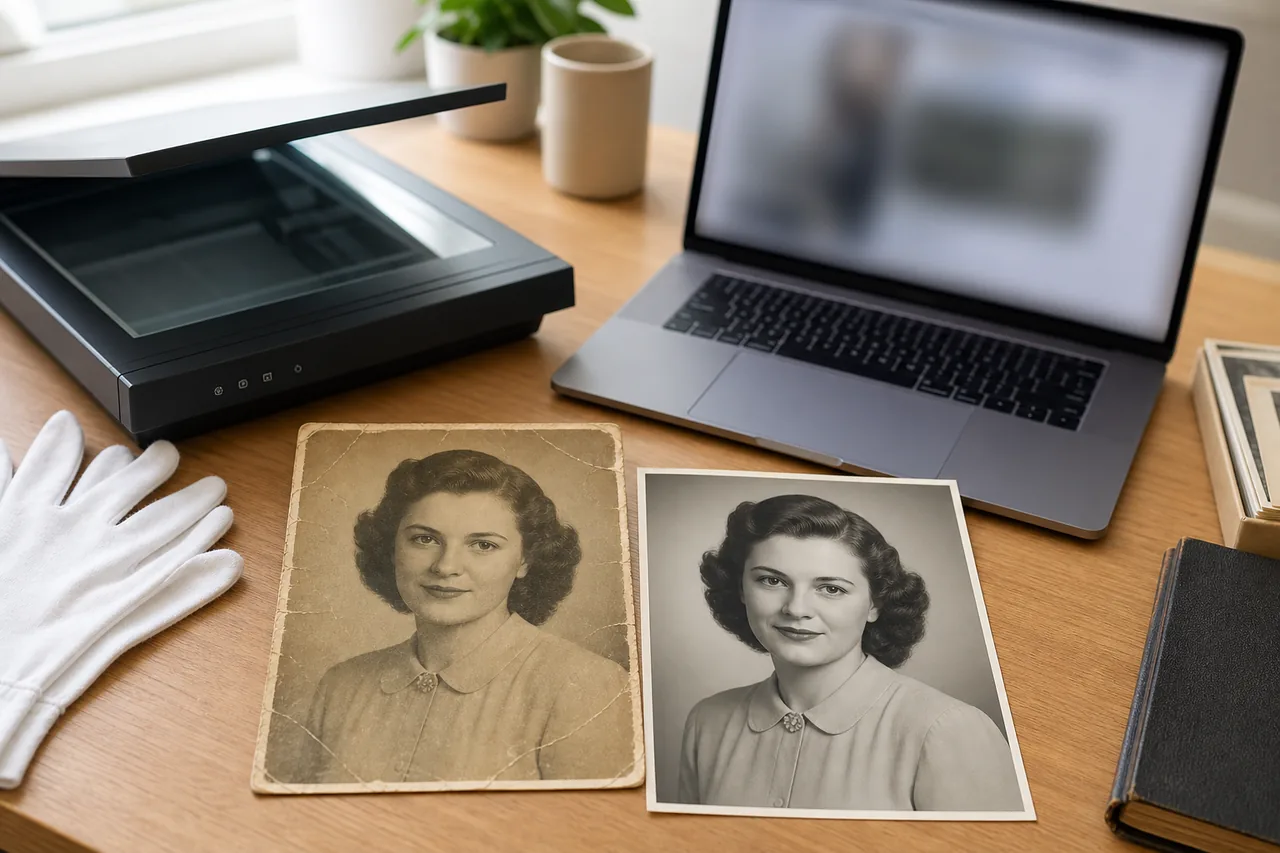
- Scan or photograph the original in good light and keep an untouched copy.
- Run a conservative AI photo restoration preview.
- Compare eyes, mouth, hairline, clothing, and background against the original.
- If the person still looks right, export the restored file for sharing or printing.
- If the face changes or damage remains, use the preview when requesting a local or manual quote.
Cost, turnaround, privacy, and quality tradeoffs
Local services and online AI price the work differently. A local shop may charge for scanning, manual retouching, print size, and rush delivery. An online service is often priced by credits, subscription, or per-image export. Neither model is automatically better; match it to the risk and value of the photo.
| Factor | Local photo restoration | Online AI restoration |
|---|---|---|
| Turnaround | Same day to several days depending on scanning, retouching, and print queue | Often immediate for a digital preview |
| Physical safety | Good when the provider handles fragile originals carefully | Original stays with you, but scan quality is your responsibility |
| Manual control | Better for severe damage and identity-sensitive edits | Best for mild to moderate automated cleanup |
| Privacy | Ask where files are stored and whether work is outsourced | Review upload, deletion, and account policies before using sensitive images |
| Print output | Convenient if you need paper prints or framing | Best for digital files unless you use a separate print shop |
For a deeper budget breakdown, compare the photo restoration cost guide. If you need to make a better scan first, start with how to scan old photos.
A safe decision workflow for old family photos
- Decide whether the original is stable enough to scan at home.
- If stable, create a clean scan and keep the master file untouched.
- Try an AI preview to estimate what automatic restoration can fix.
- If the result is good enough, use it and avoid extra handling of the print.
- If the photo is fragile or the result changes important details, contact a local shop or manual retoucher with the original scan and AI preview.
This workflow keeps the original safe while avoiding unnecessary cost. It also gives a local provider a clear reference point if you need expert repair.
Search tips for finding a reliable provider near you
Useful search variations include:
- photo restoration near me
- old photo restoration near me
- photo scanning and restoration near me
- photo lab old photo repair
- archival photo scanning service near me
After finding a provider, check recent reviews for words like scanning, old photos, restoration, retouching, turnaround, and fragile prints. A shop that only advertises passport photos or quick prints may still be useful for scanning, but it may not be the right place for severe restoration.
FAQ
Final recommendation
Do not choose photo restoration by distance alone. If the print is fragile or you need a local scan and print, call a nearby shop and ask how they handle old originals. If you already have a clean digital file, start with an online AI restoration preview, compare identity details, and only pay for local or manual work when the remaining damage justifies it.

Sarah Mitchell, AI Photo Restoration Writer
Sarah Mitchell writes practical guides about scanning, AI restoration, and family photo preservation workflows.