Colorize Old Photos - Black and White Photo Colorizer
Colorize old photos and black and white photos free with our advanced AI photo colorization technology! Transform vintage family photos, historical images, and faded pictures into vibrant color photos instantly. New users get 4 free credits to colorize photos.
or drag black and white photo here
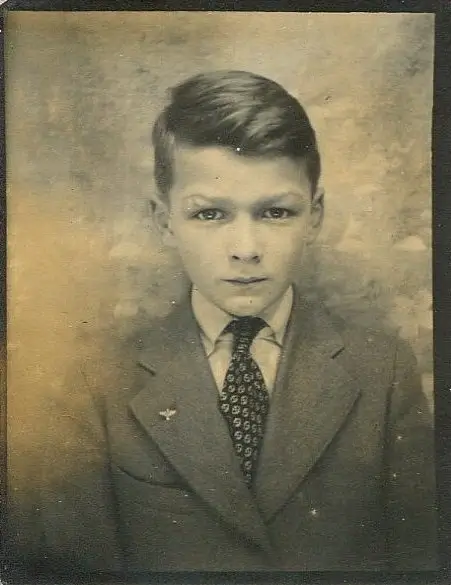
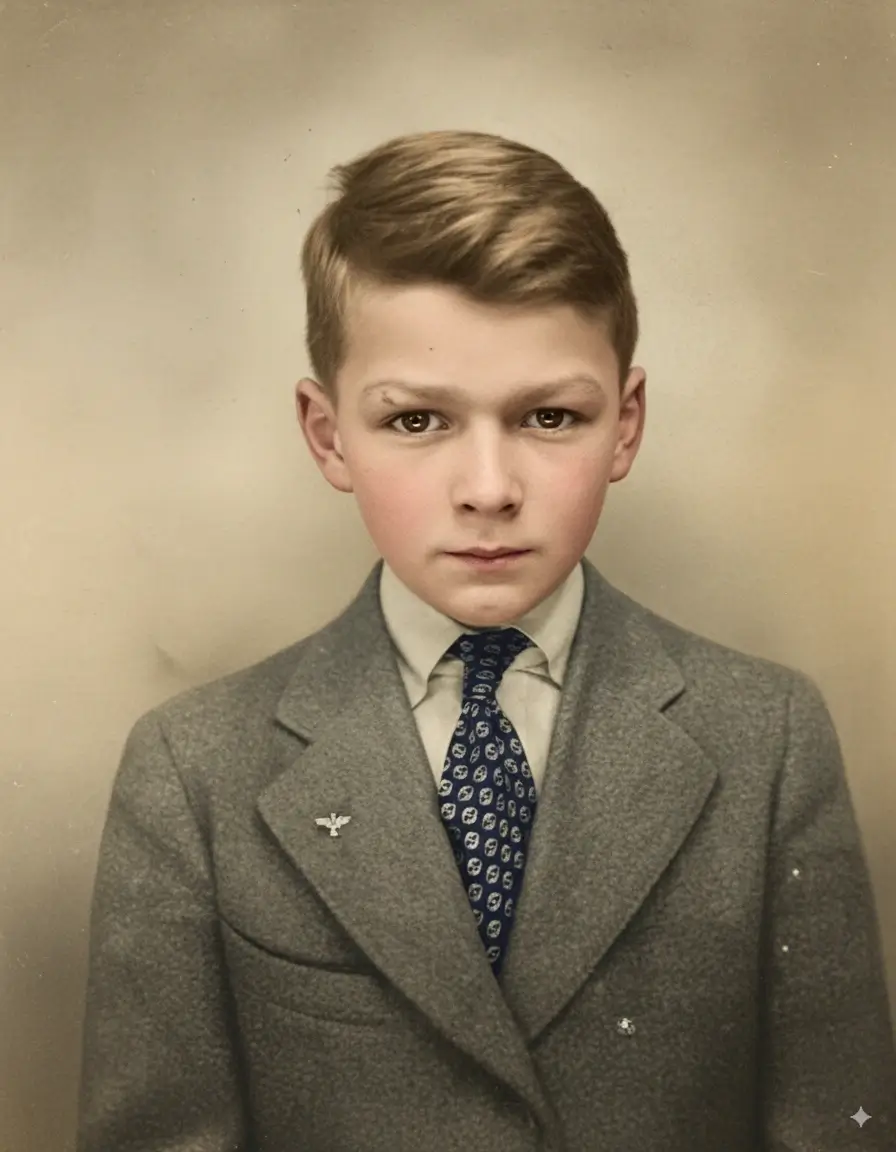
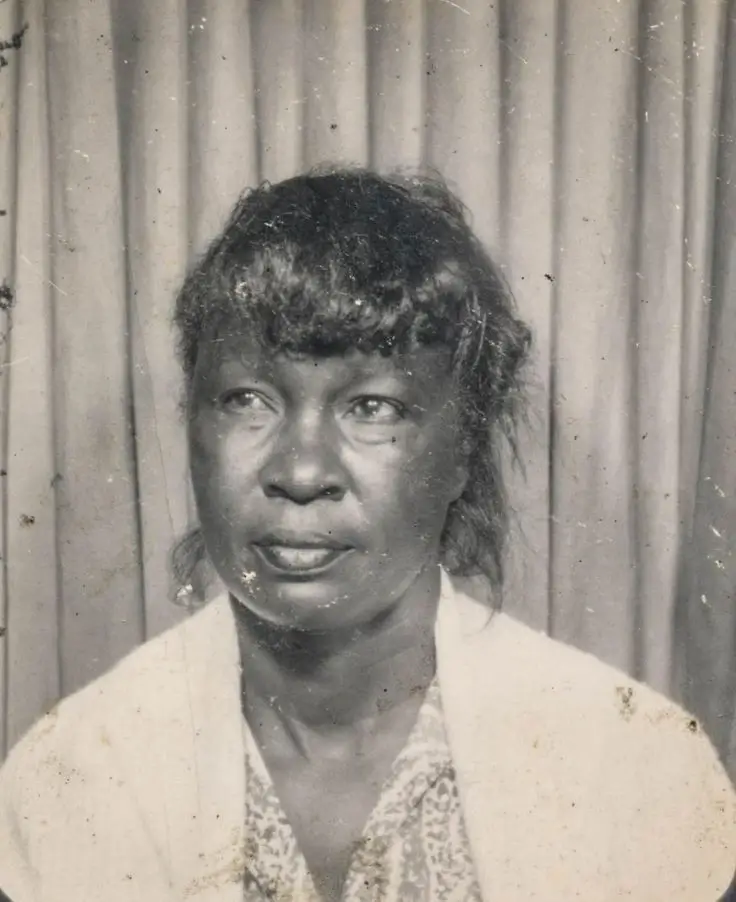
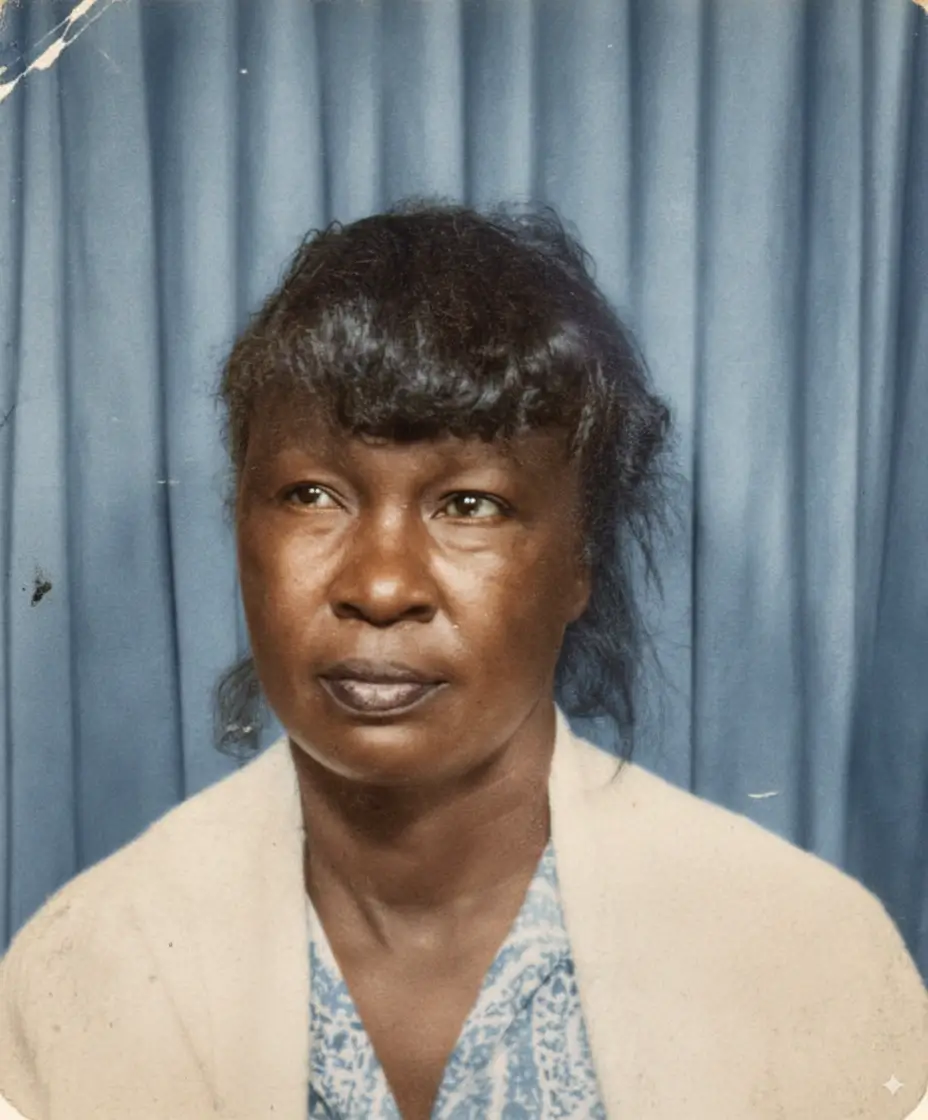
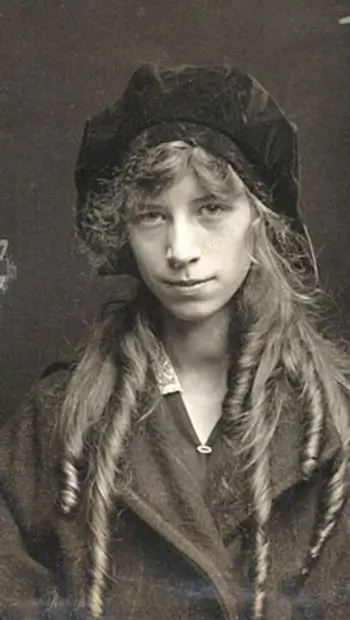
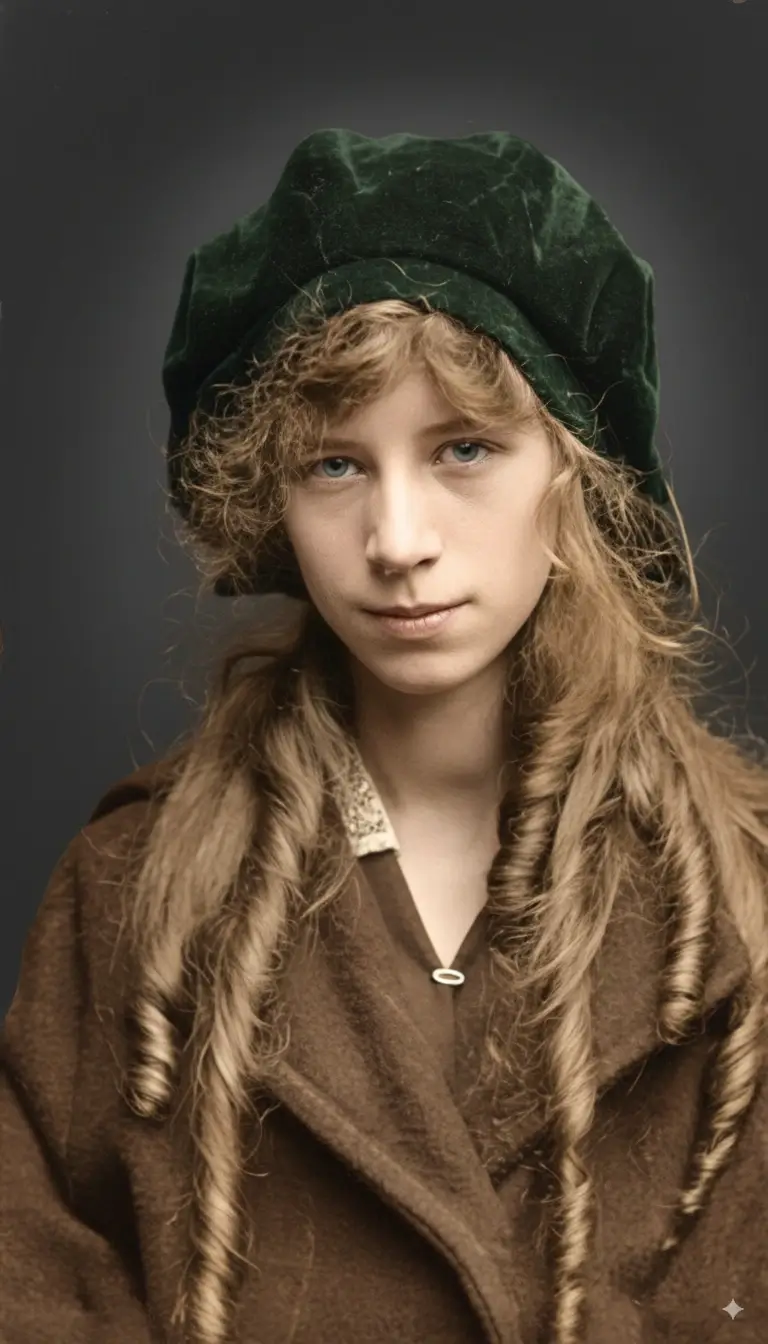
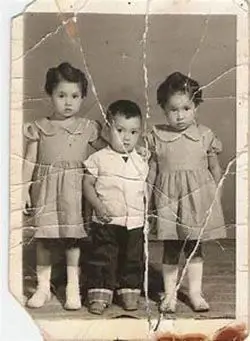
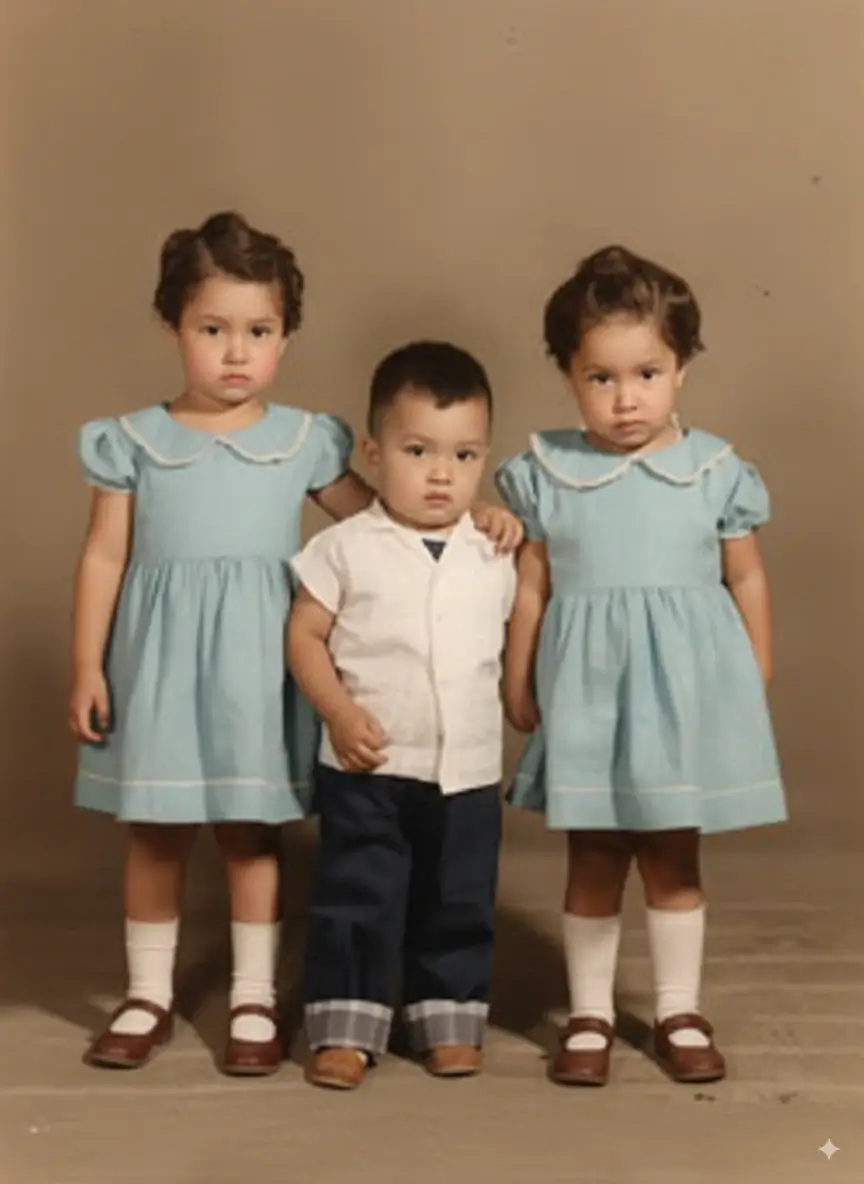
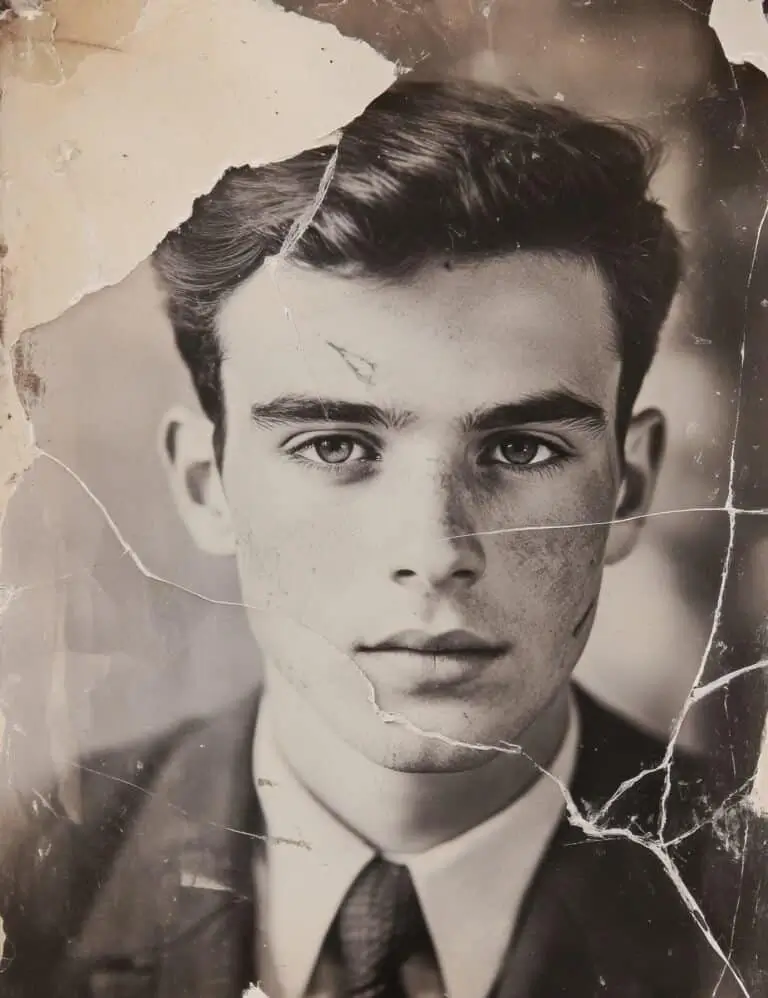
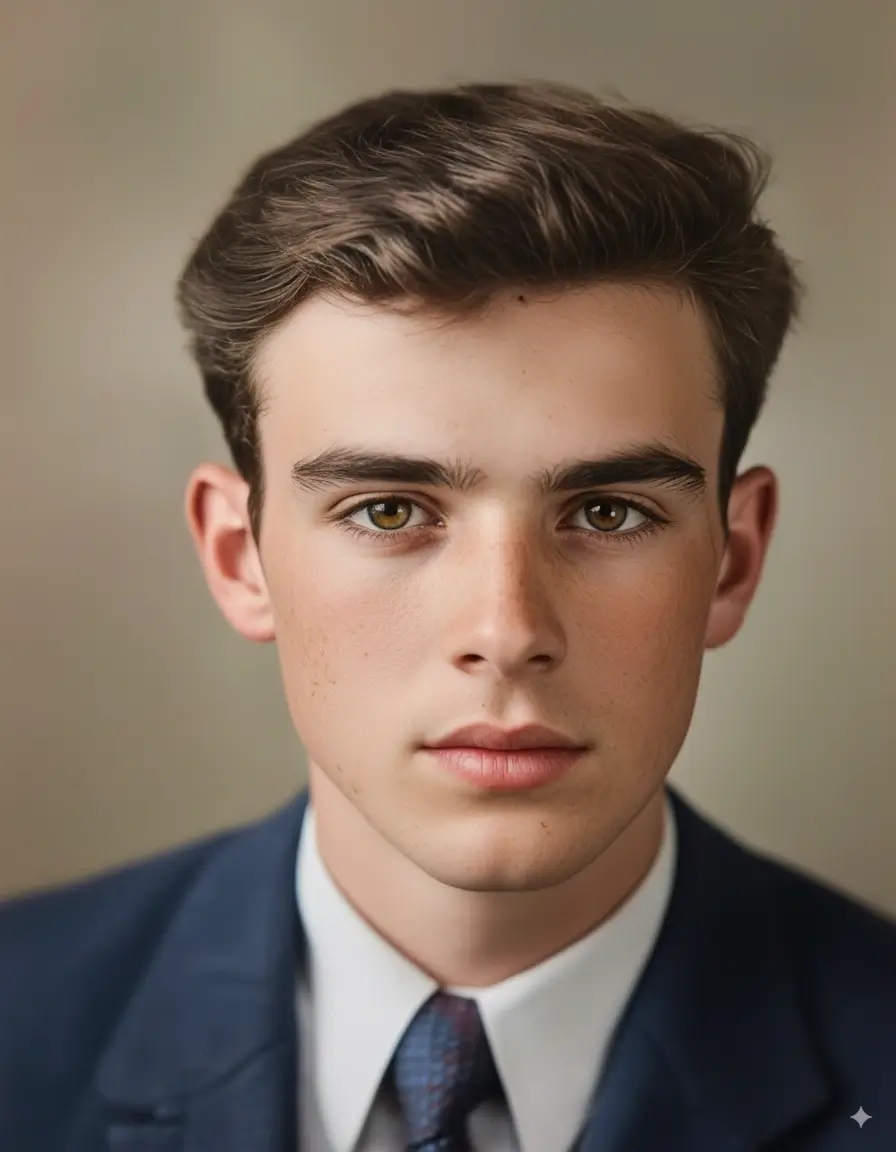
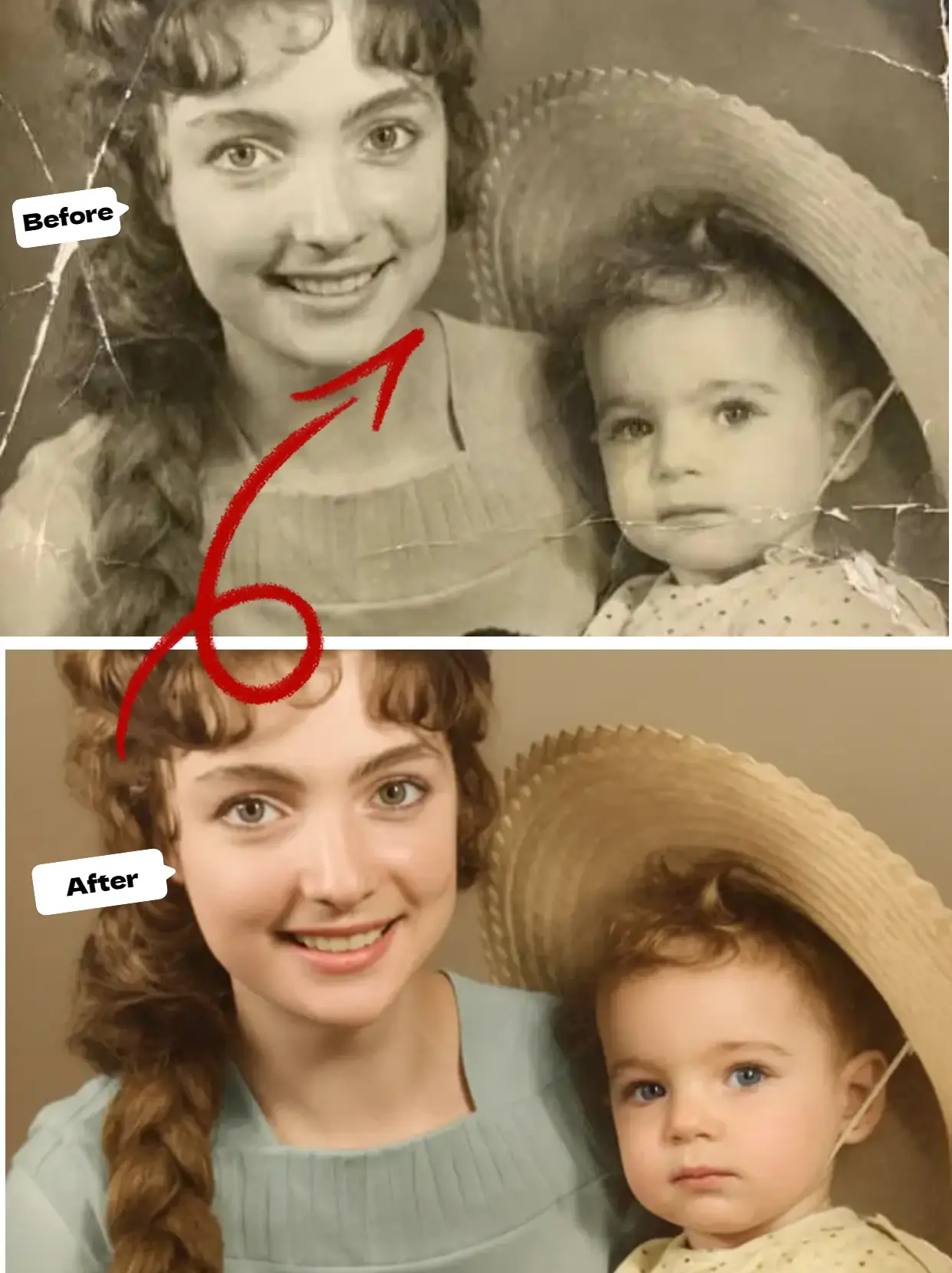
Before & After Colorization Gallery
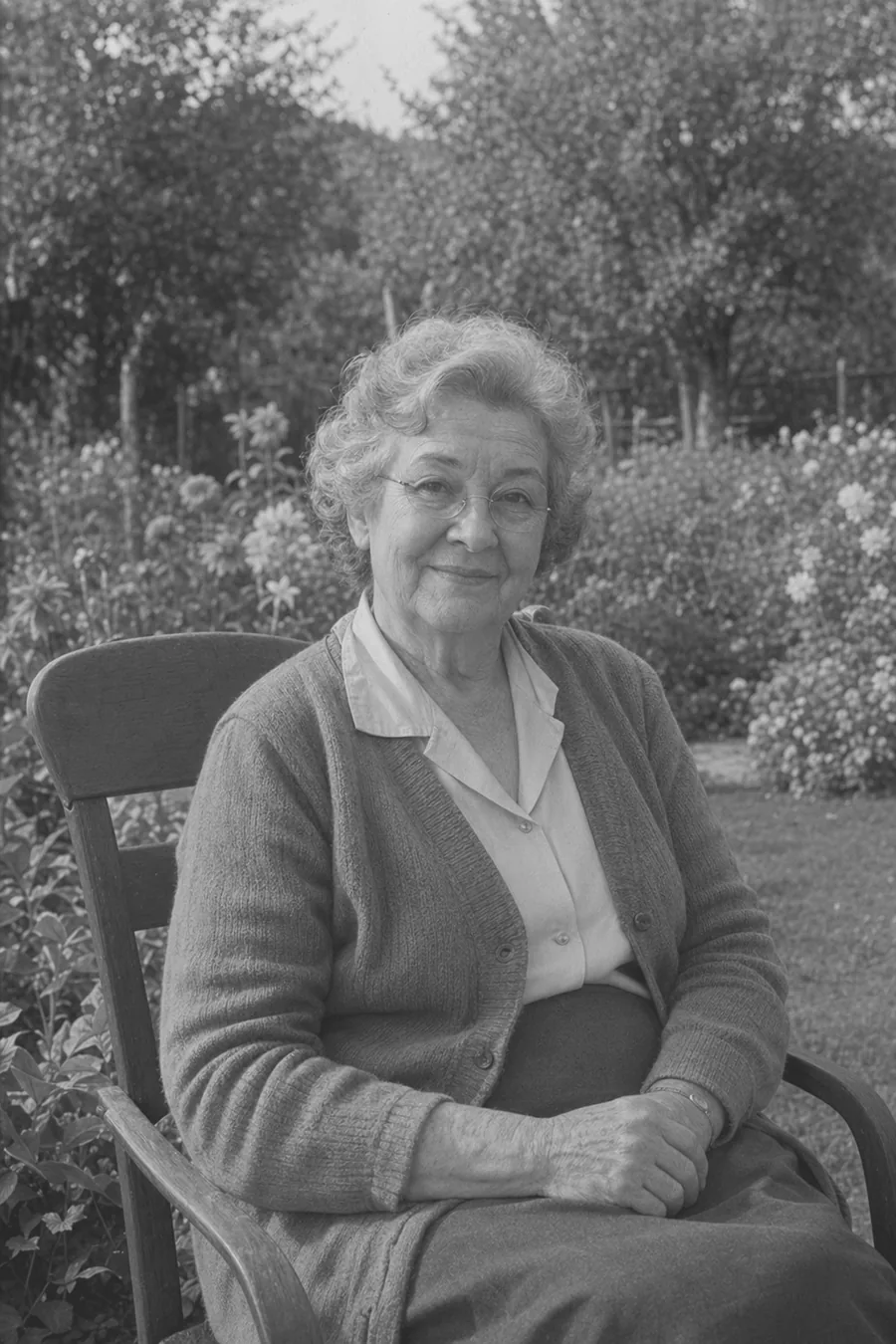
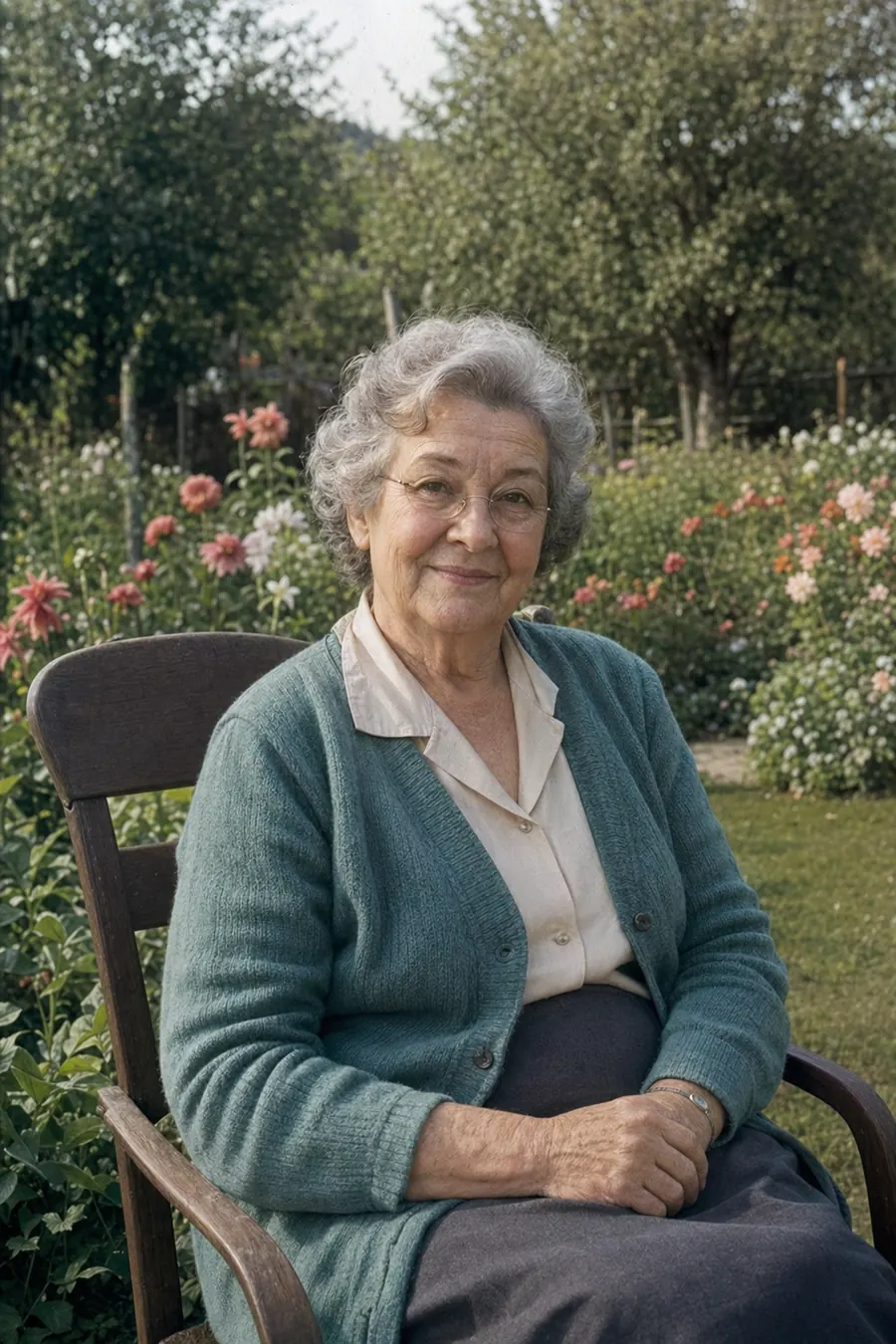
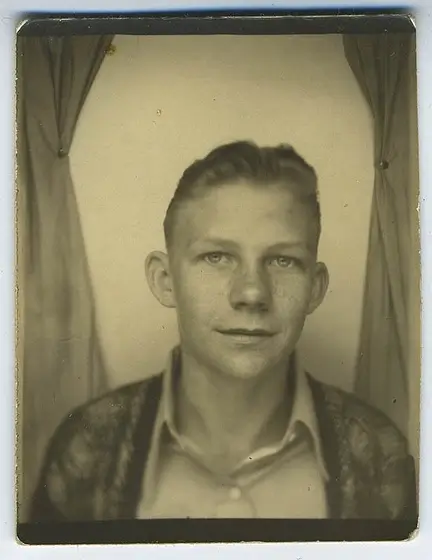
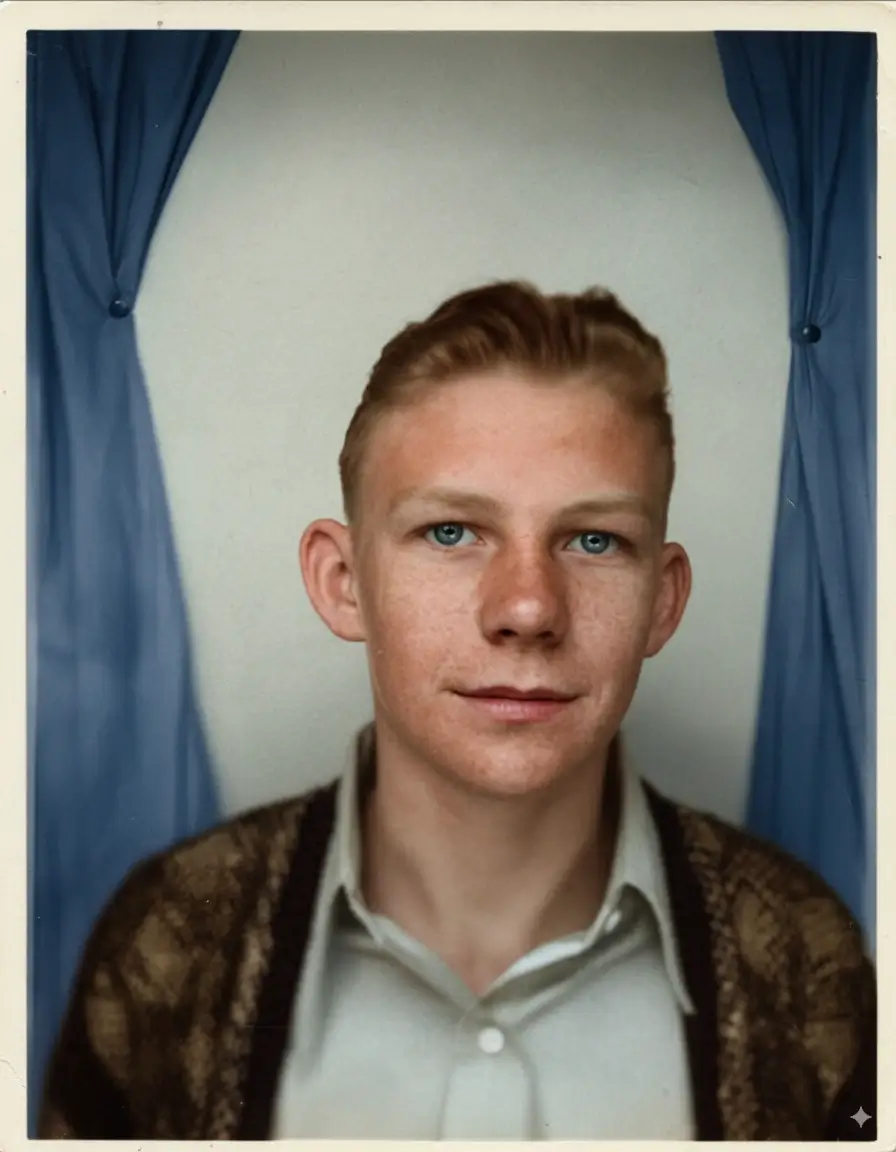
See the magic of our AI Photo Colorization service with these stunning before and after black and white photo colorization transformations.
What is AI Photo Colorization
Our AI photo colorization service colorizes old photos and black-and-white family portraits after they are cleaned and restored. For the most natural result, repair scratches, dust, and fading first, then create a colorized version while keeping the original black-and-white archive file.
One-Click Photo Colorization
Colorize any black and white photo with one click. No photo editing skills needed.
Professional Quality Results
Our AI intelligently determines realistic colors, skin tones, and environmental elements for authentic colorization.
Fast Processing
Get your colorized photos in seconds, not hours. Professional photo colorization made instant.
Why Choose Our Black and White Photo Colorizer
Colorize black and white photos with unmatched AI photo colorization quality and ease.
Advanced AI technology intelligently colorizes black and white photos with realistic colors and professional precision.
Colorize old family photos, vintage portraits, historical images, and black and white pictures of any kind.
Upload your black and white photo, let AI colorize it automatically, and download in seconds—no photo editing skills needed.

How to Colorize Black and White Photos
Transform your black and white photos to color in a few simple steps:
Upload Black and White Photo
Old family photos, vintage portraits, historical images, and any black and white pictures work perfectly with our AI colorizer.
AI Analyzes Photo
Our advanced photo colorization AI automatically analyzes the black and white image and determines realistic colors.
Download Colorized Photo
Get your beautifully colorized photo ready to share, print, or preserve for future generations.
Share Your Colorized Memories
Share colorized family photos with loved ones or create lasting keepsakes from vintage black and white photographs.
Photo Colorization Features
Everything you need for professional black and white photo colorization results.
AI Photo Colorization
Advanced AI technology adds realistic colors to black and white photos automatically with professional quality results.
All Black and White Photos
Family portraits, vintage photos, historical images, old documents, and any black and white pictures.
High-Quality Colorized Results
Download high-resolution colorized photos perfect for printing, framing, or digital preservation.
Instant Photo Colorization
Cloud-powered AI delivers professional black and white photo colorization results in seconds, not hours.
Realistic Color Enhancement
AI intelligently determines skin tones, clothing colors, backgrounds, and environmental elements for authentic colorization.
Easy Download & Share
Download colorized photos instantly or share your precious colorized memories with family and friends.
Colorize Old Photos After the Image Is Clean
Colorization performs best when the black-and-white source is sharp, dust-free, and already repaired where scratches or cracks cross important details.
Prepare the scan first
If the photo has scratches or stains, repair those marks before colorization. A clean grayscale source helps the AI choose more natural skin, fabric, and background colors.
Use realistic expectations
AI colorization predicts plausible colors from context. It can make family portraits feel alive, but uniforms, rare fabrics, and historical objects may still need human review.
Spanish search fit
For users searching colorear fotos antiguas, this page now clearly explains how to upload old black-and-white photos and turn them into color while preserving the original version.
How to colorize old photos without losing the original record
Remove scratches, dust, stains, and strong blur before colorization so the AI reads real objects instead of damage.
Use the clearest grayscale scan you have. Keep the unedited source as the archive copy.
AI predicts plausible colors, so check faces, uniforms, flowers, cars, and historic objects before printing.
Download the colorized image for sharing, but keep the black-and-white original for family history and future edits.
Colorization examples and review checklist
| Photo type | Colorization value | What to review |
|---|---|---|
Family portrait |
Adds warmth and makes relatives easier to recognize. |
Skin tone, eye color, jewelry, and clothing. |
Wedding or military photo |
Can make the scene feel more immediate. |
Uniform colors, medals, flowers, and period details. |
Landscape or street scene |
Helps viewers understand season, sky, and location. |
Signs, vehicles, building materials, and vegetation. |
Damaged black-and-white print |
Works best after scratches and stains are repaired. |
Clean damage first with remove scratches from photos. |
Accuracy, privacy, and realistic expectations
AI colorization is an informed interpretation, not proof of the exact original colors.
Historical uniforms, rare fabrics, flags, and handwritten labels should be checked manually.
For archive work, preserve the black-and-white scan and label the colorized file as a restored interpretation.
Related restoration steps
Frequently Asked Questions About Photo Colorization
Have another question? Contact us by email or social media.
What is AI Photo Colorization?
AI photo colorization is a free online service that uses advanced artificial intelligence to automatically add realistic colors to black and white photos. Our AI photo colorizer analyzes the image content and intelligently determines appropriate colors for skin tones, clothing, backgrounds, and other elements to create natural-looking colorized photos.
How to colorize black and white photos automatically?
Simply upload your black and white photo to our AI photo colorizer. The advanced AI technology automatically analyzes the image and adds realistic colors within seconds. No manual color selection or photo editing skills required - our black and white photo colorizer does all the work automatically.
Can I colorize old photos for free?
Yes! You can colorize old photos free with our AI photo colorization service. New users get 4 free credits to colorize black and white photos. For unlimited colorization and high-resolution results without watermarks, purchase our affordable credit packs that never expire.
What types of black and white photos can be colorized?
Our AI photo colorizer works with all types of black and white photos including vintage family portraits, historical photographs, old wedding photos, childhood memories, vintage landscapes, and any black and white pictures. The AI works best with clear, well-defined subjects and good contrast.
How accurate is the AI photo colorization?
Our AI photo colorization achieves 95% accuracy in color prediction by analyzing image context, historical color patterns, and realistic color relationships. While the AI makes intelligent color choices, some artistic interpretation is involved. The results are professionally realistic and suitable for most colorization needs.
Can I use colorized photos commercially?
Our Free and Family credit packs are for personal use only. If you need commercial usage rights for marketing, publications, or professional archival work, please purchase our Professional Pack which includes commercial licensing for colorized photographs.
Can I colorize old photos after scratch removal?
Yes. That is the recommended order: remove scratches and dust first, then colorize the clean black-and-white photo so the AI does not color damaged lines.
Does AI know the exact original colors?
AI predicts realistic colors based on image context and training data. The result is usually natural, but it should be treated as an interpreted color version rather than a guaranteed historical record.
Colorize Your Black and White Photos
to Life Today
Join thousands of happy users colorizing precious family memories with our AI photo colorization service.