A photo scanning service can save weeks of repetitive work, but the cheapest package is not always the safest choice for fragile, labeled, or historically important originals.
Choose a provider by handling policy, scan specifications, file delivery, privacy, and remake terms—not by price per photo alone.
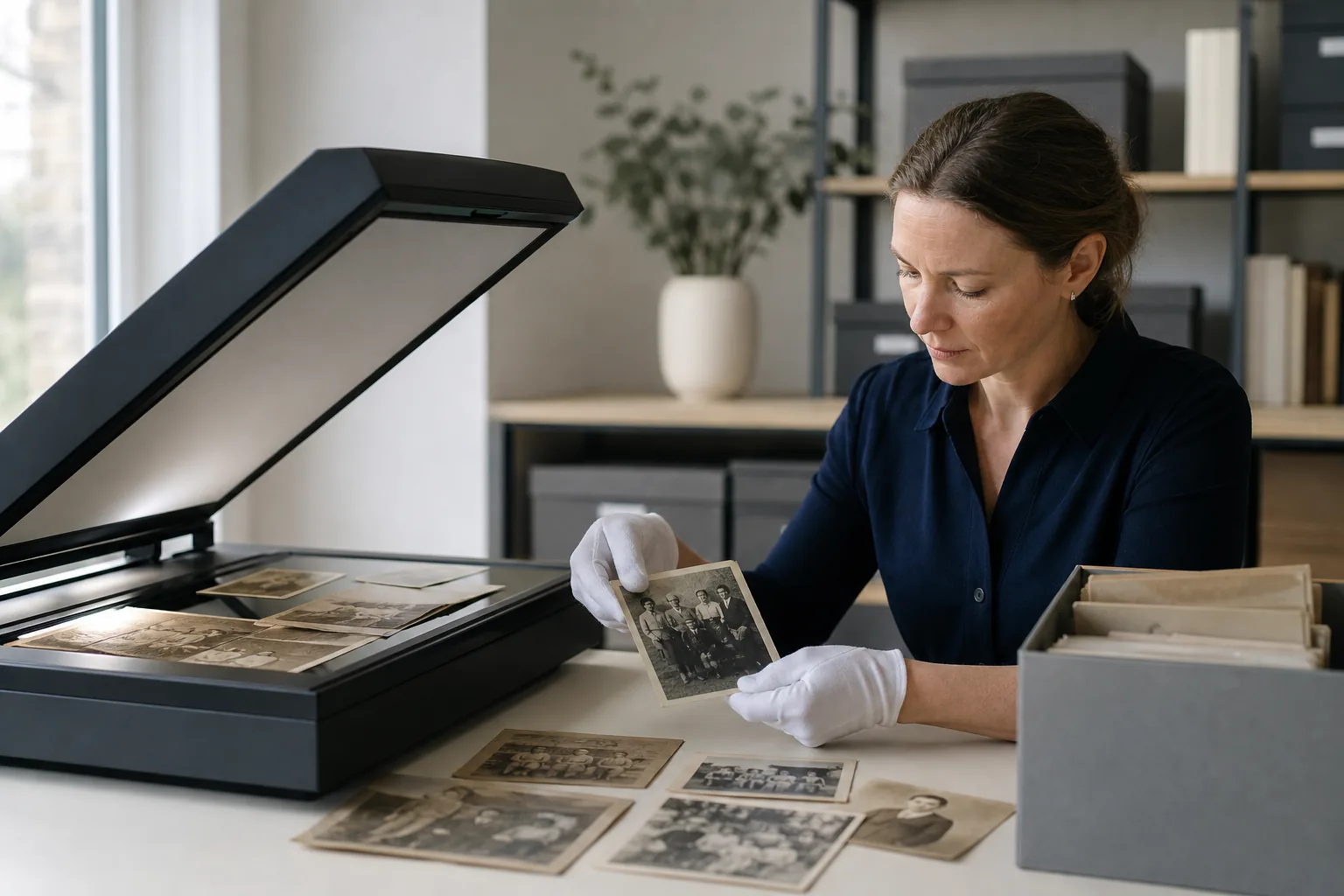
Table of Contents
- Quick answer: when a scanning service is worth it
- Local, mail-in, and DIY options compared
- How photo scanning service pricing works
- The quality checklist to use before ordering
- Safe handling, shipping, and privacy questions
- What to do after the photos are scanned
- Frequently Asked Questions
- Photo Scanning Service Guide: How to Choose Quality, Cost, and Safe Handling
Quick answer: when a scanning service is worth it
Use a professional service when you have hundreds of prints, limited time, fragile originals, or need consistent cropping and color. Scan at home for a small collection, full custody, or careful photo-by-photo decisions.
| Option | Best for | Check |
|---|---|---|
| DIY | Small batches | Time and equipment |
| Local | Fragile originals | Handling and custody |
| Mail-in | Large batches | Tracking and insurance |
Local, mail-in, and DIY options compared
Local services suit fragile originals and face-to-face review. Mail-in providers can process large batches efficiently when tracking and custody are clear. DIY offers the most control but requires equipment, cleaning, naming, and backup time.
| Option | Main advantage | Main risk | Best question to ask |
|---|---|---|---|
| Local shop | Direct handoff and condition review | Quality varies by operator | Who handles the originals and where are they stored? |
| Mail-in service | Efficient processing for large collections | Shipping and custody risk | Do you scan in-house and provide tracked return shipping? |
| DIY flatbed | Full control and easy rescanning | Slow for large collections | Can I maintain a consistent naming and backup routine? |
| Hybrid | Balances risk, time, and cost | Requires sorting before work begins | Which originals are too valuable or fragile to outsource? |
How photo scanning service pricing works
Providers may charge per image, box, album page, or service tier. Base prices may exclude high resolution, manual rotation, color correction, TIFF delivery, albums, USB media, or return shipping.
Common extras that change the final quote
- Album-page scanning, photo removal, or adhesive-page handling.
- Scanning handwritten backs and pairing front/back filenames.
- TIFF or PNG masters instead of JPEG-only delivery.
- Manual cropping, rotation, exposure review, and color correction.
- Oversized prints, panoramas, mounted photographs, slides, or negatives.
- Cloud retention, USB drives, return shipping, rush service, and insurance.
The quality checklist to use before ordering
Request 600 DPI for most prints, color mode, an untouched master, clear filenames, optional back scanning, and a paid test batch before sending the whole collection.
- 600 DPI for most prints
- Color mode
- Untouched master files
- Clear filenames
- Paid test batch
Red flags that justify choosing another provider
- The provider will not state resolution, color mode, or output format in writing.
- Only enhanced JPEGs are delivered, with no untouched master scan.
- There is no clear process for fragile, stuck, curled, mounted, or annotated photographs.
- The company cannot explain whether scanning is performed in-house or by a subcontractor.
- File deletion timing, privacy, tracking, and loss policies are vague.
- A test batch is refused even when you offer to pay the normal rate.
Safe handling, shipping, and privacy questions
Create an inventory, separate fragile items, photograph the package, and confirm tracking, insurance, subcontractors, storage location, deletion timing, and loss policies.
Questions to put in the order confirmation
- How are incoming boxes counted, labeled, and linked to the final folders?
- Are originals ever removed from sleeves or albums without approval?
- Will the service scan writing, stamps, or dates on the back?
- Where are temporary files stored, who can access them, and when are they deleted?
- What happens if a scan is cropped, rotated, blurred, missing, or assigned to the wrong folder?
- How are originals packaged for return, and what insurance limit applies?
What to do after the photos are scanned
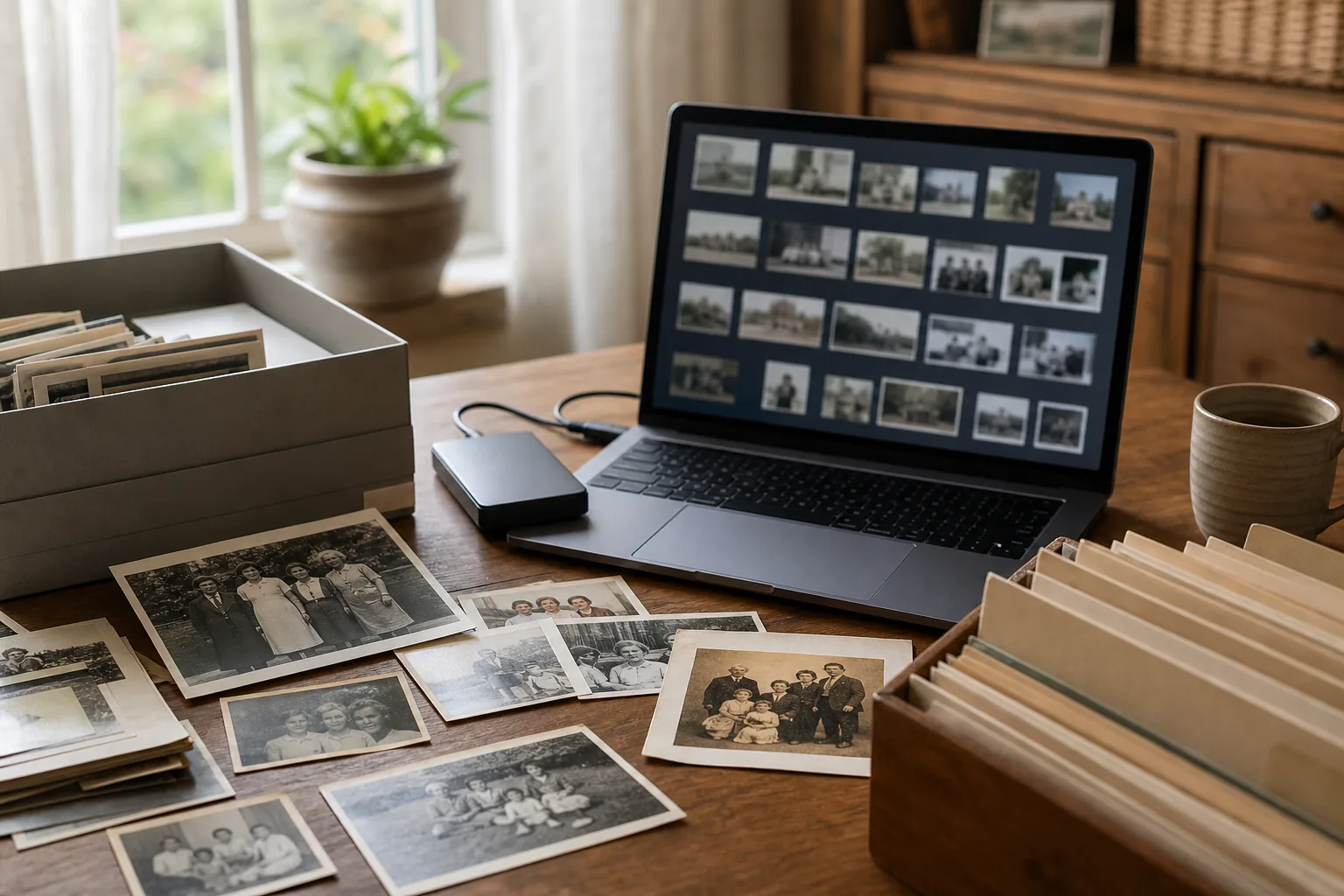
Check file count, inspect faces and edges at 100%, preserve read-only masters, organize folders, and keep three copies on two media types with one copy off-site.
DPI and file format guide · Photo restoration workflow
A 20-file acceptance test before you close the order
- Compare the delivered count with the inventory and look for duplicate or missing filenames.
- Open portraits, dark scenes, light backgrounds, glossy prints, and damaged photos at 100% zoom.
- Confirm borders are not cropped, faces are sharp, color mode is correct, and handwritten backs are paired properly.
- Check metadata and folder order, then copy the masters to a second drive before making any edits.
- Request rescans while the provider still retains the job files and your order remains within the remake window.
Frequently Asked Questions
Photo Scanning Service Guide: How to Choose Quality, Cost, and Safe Handling
The best photo scanning service protects originals and delivers future-proof files. Start with a test batch, require clear specifications, preserve untouched masters, verify organization, and build backups before editing or restoring.

Sarah Johnson
Sarah writes about family-photo preservation, scanning workflows, and identity-safe restoration.